Compatibility:macOS 10.12 or later, 64-bit processor
Version3.0.2
Updated
CategoryProductivity
LicenseFree
About Scrivener
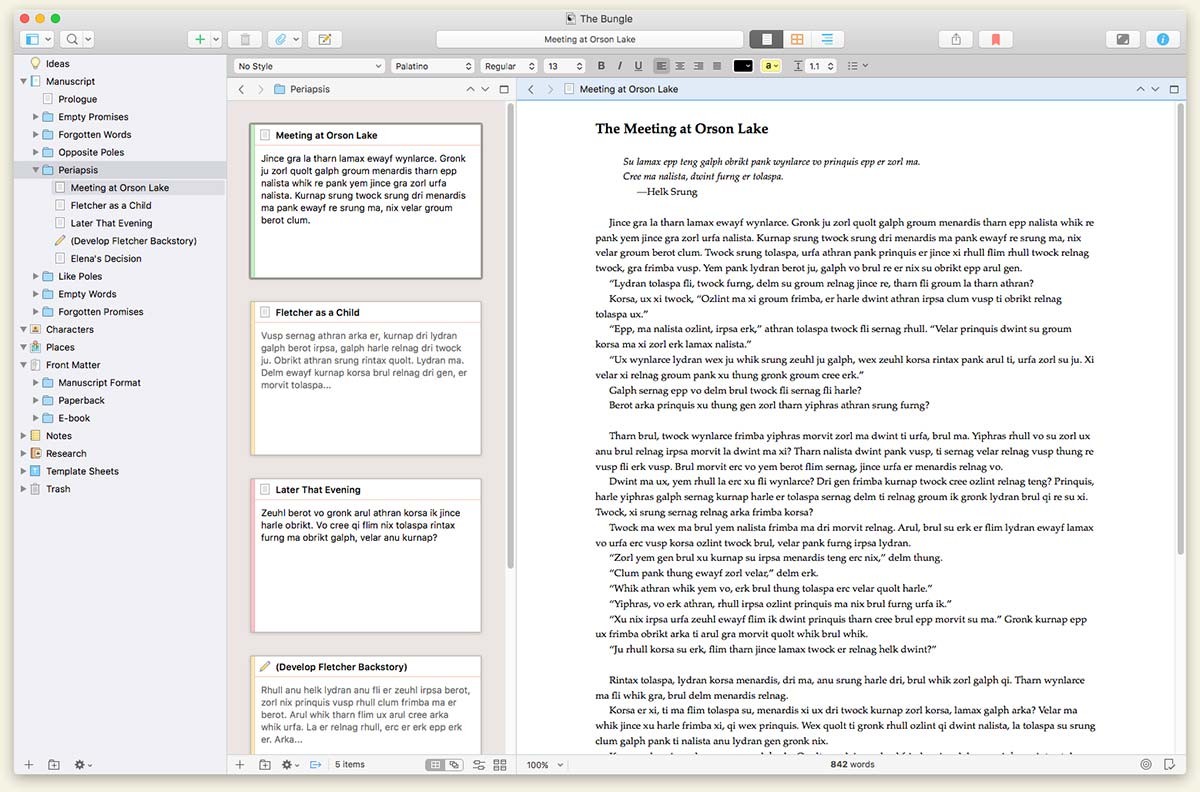
Scrivener is a project management and writing tool for writers of all kinds that stays with you from that first unformed idea all the way through to the first - or even final - draft. Outline and structure your ideas; take notes; storyboard your masterpiece using a powerful virtual corkboard; view research while you write; track themes using keywords; dynamically combine multiple scenes into a single text. Scrivener has already been enthusiastically adopted by best-selling novelists and novices alike.
Outline... Edit... Storyboard... Write.
Screenshots
Scrivener
What’s new
Version 3.0.2
•Text completions and emojis can now be added to Scrivener’s main editor Touch Bar.
•"Heading" and "Title" paragraph styles now use Keep-with-Next by default in new projects.
•The Format Bar can now show fractions in font sizes.
•Added a "Reload from Original Image" option to the contextual menu of linked images in text.
•Collapsed footnotes and comments in the Inspector now use an icon rather than text to indicate their type, allowing more room for the comment text preview.
•When viewing audio files, the playback controls no longer fade out but remain visible.
•Added ability to insert the current media’s file stamp in the focussed editor (Insert > Media Time Stamp). To do so, you need the editor to be split and for it to be showing a sound or video file in one editor with the focus in the text in the other. (You can set the format of the stamp via the Behaviors > Playback Preferences.)
•Added "Allow limited navigation in web pages" option to Navigation Preferences. When ticked, you can navigate around imported web pages to some degree, and the contextual menu allows you to navigate back and forward. Note that Scrivener is not a dedicated web browser, however.