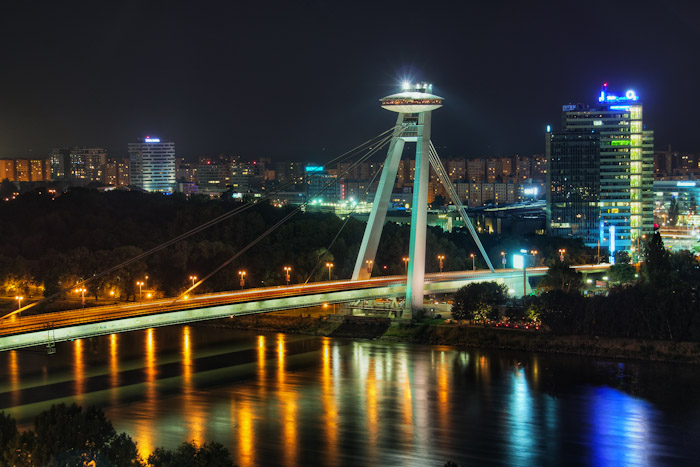
Photomatix Pro merges photographs taken at varying exposure levels into a single HDR image that reveals both highlight and shadow details, with options for automatically aligning hand-held photographs, removing ghosts, and reducing noise and chromatic aberrations. Merged images can then be adjusted by a range of options and settings to get the look that users want -- from natural-looking results using exposure fusion to painterly, surreal or ultra-realistic images using the tone mapping mode.
Screenshots
Photomatix Pro
What’s new
Version 6.1.1
•Dark Color Scheme option: The windows where you adjust and finish the image have been refreshed with a dark color theme, and you can choose between a Light and Dark color scheme for the other windows.
•Dual White Balance for HDR merge: When processing bracketed sets of RAW images, you can assign a different white balance to the brighter and the darker images.
•Lasso Tool: The selective adjustment tools now include a lasso in addition to the existing brush option, allowing easy selection of geometric areas such as windows that need different color or blending settings.
•The brush tool can now use either a round or square brush, and you can set the sensitivity for edge-detection.
•Support for compressed Fuji RAW files, Canon mRAW files and 12-bit NEF files.