
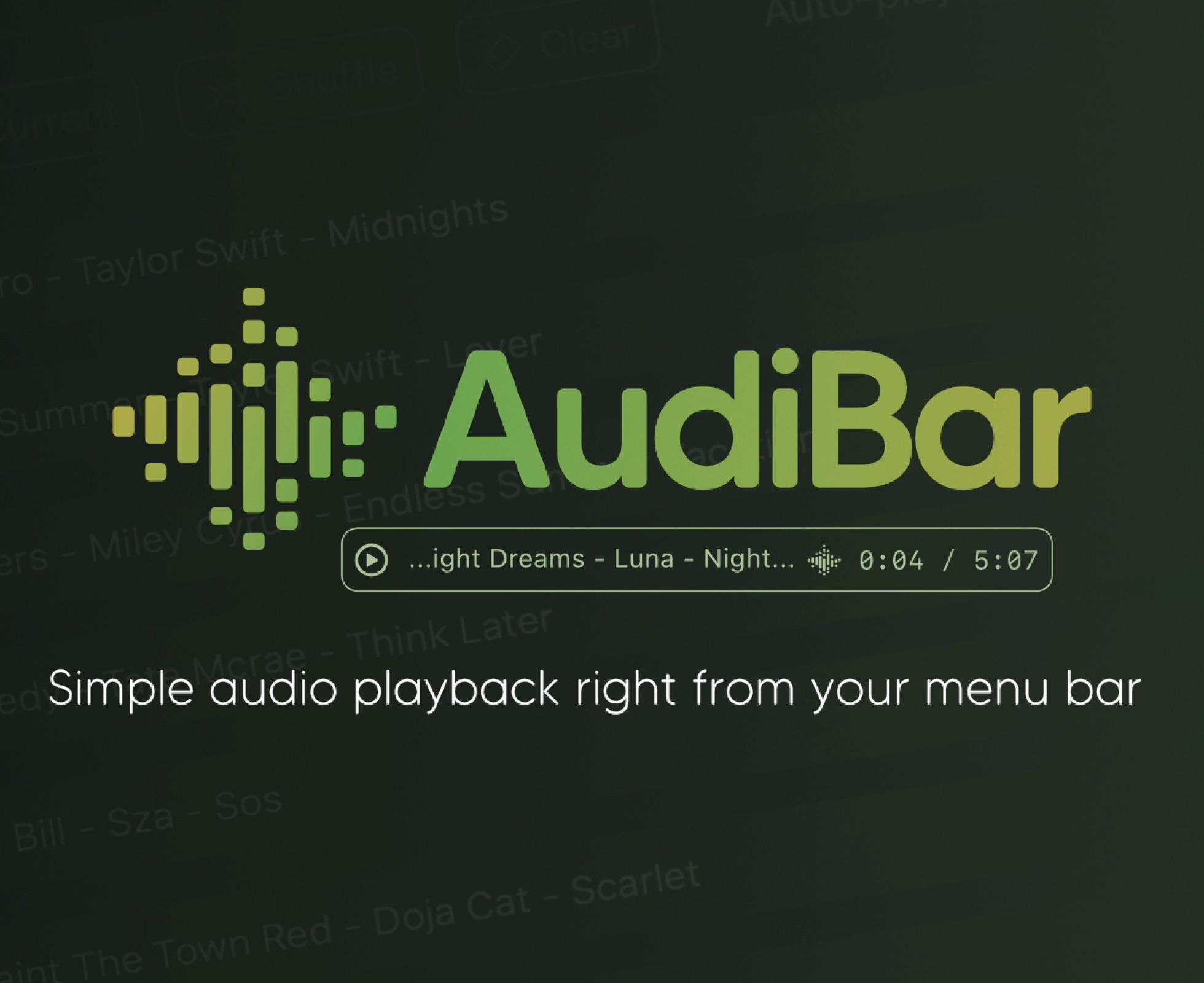
Simple audio playback and live streaming from your menu bar. No library management, no complexity. Just drag, drop, and play files or tune into internet radio.
AudiBar: Menu Bar Audio Playback and Streaming Made Simple
Stop fighting with bloated music apps. AudiBar lives in your menu bar and does two things exceptionally well: plays your audio files instantly and streams internet radio effortlessly. No library management, no cloud sync, no subscriptions. Just drag a file onto the menu bar and it plays, or add radio stations for instant streaming.
Premium Features (One-Time Purchase)
• Playlist management with visual track list and playback controls
• Seek slider with previous/next track buttons
• Current time display with elapsed and total duration
• Playlist sorting by title or duration
• Drag folders to create playlists instantly
• Auto-play next track with seamless transitions
• Shuffle mode for randomized playback
• Unlimited tracks per playlist
• Add currently playing track to playlist
• Persistent playlists across restarts
• Visual highlighting of currently playing track
• Internet radio streaming with saved stations
• Stream list panel with management options
• Multiple streaming formats: M3U/M3U8, PLS, XSPF, ASX/WAX, RSS/XML, direct URLs
• Smart track naming with metadata extraction or filename display
• Configurable settings panel
• Tooltips for all controls
Free Features
• Instant playback from menu bar
• Drag-and-drop file loading
• Play/pause controls with real-time progress
• Time display
• File picker for browsing
• All major audio formats supported
• iCloud Drive support with smart loading
• Scrolling display for long filenames
• Clean, distraction-free interface
• Context menu for quick actions
• Remembers last played track or stream
• Native macOS window controls
What's New
Version 1.2.0:
- Release notes were unavailable when this listing was updated.
Requirements
macOS 13.5 or later.
Screenshots
Download File
Size: 2.2 MB
Rapidgator Download | NitroFlare Download